SX1278 LoRa on Raspberry Pi
This guide is based on the tutorial from CircuitDigest here with a few modifications I made to get it working on my Raspberry Pi Zero 2 W.
Hardware
- SX1278 LoRa Module Ra-02 433MHZ
- Raspberry Pi (tested on a Raspberry Pi Zero 2 W)
Software
- Raspberry Pi OS (tested on Raspberry Pi OS Lite 64-bit)
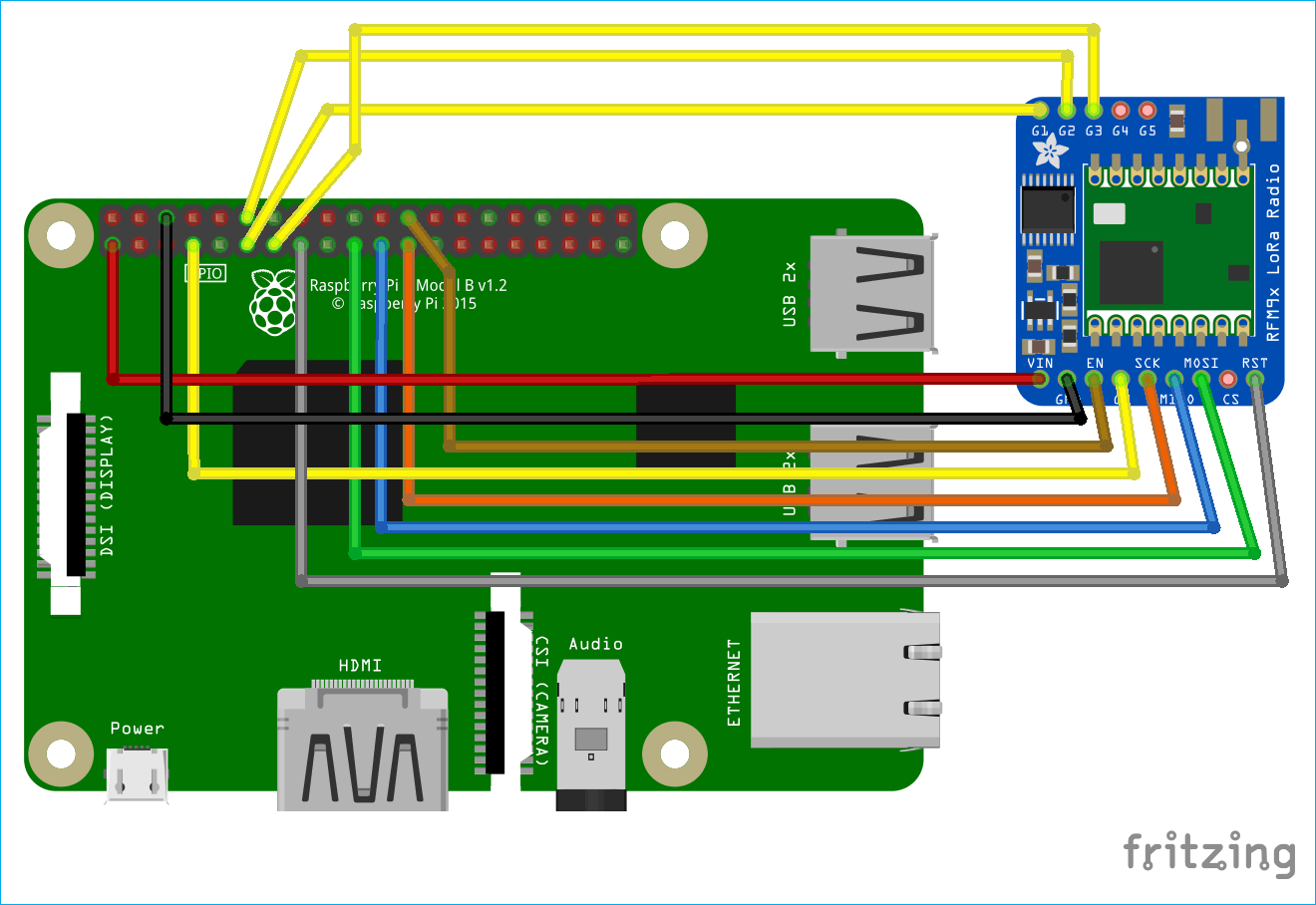
Circuit Diagram
| Raspberry Pi | LoRa – SX1278 Module |
|---|---|
| 3.3V | 3.3V |
| Ground | Ground |
| GPIO 10 | MOSI |
| GPIO 9 | MISO |
| GPIO 11 | SCK |
| GPIO 8 | Nss / Enable |
| GPIO 4 | DIO 0 |
| GPIO 17 | DIO 1 |
| GPIO 18 | DIO 2 |
| GPIO 27 | DIO 3 |
| GPIO 22 | RST |
Update and Upgrade
sudo apt update && sudo apt upgrade -yInstall Required Packages
sudo apt-get install python3-pip python3-dev python3-rpi.gpio python3-spidev git -yEnable SPI Interfaces
sudo raspi-configNavigate to Interfacing Options
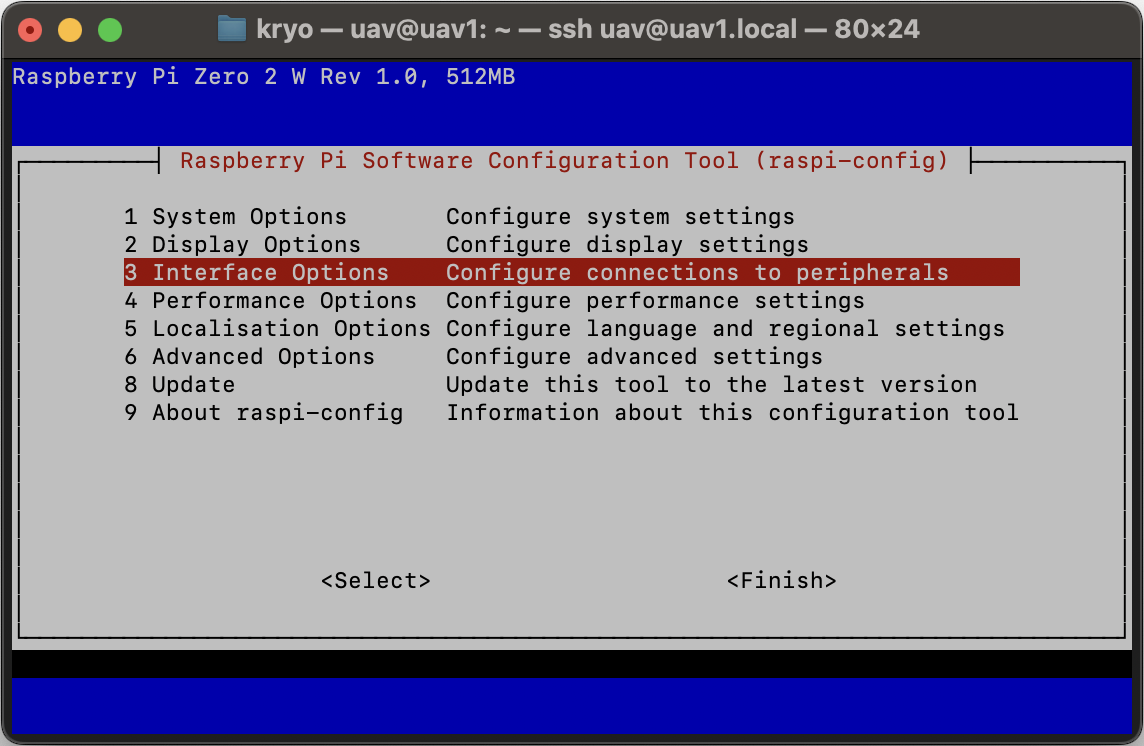
Select SPI and enable it.
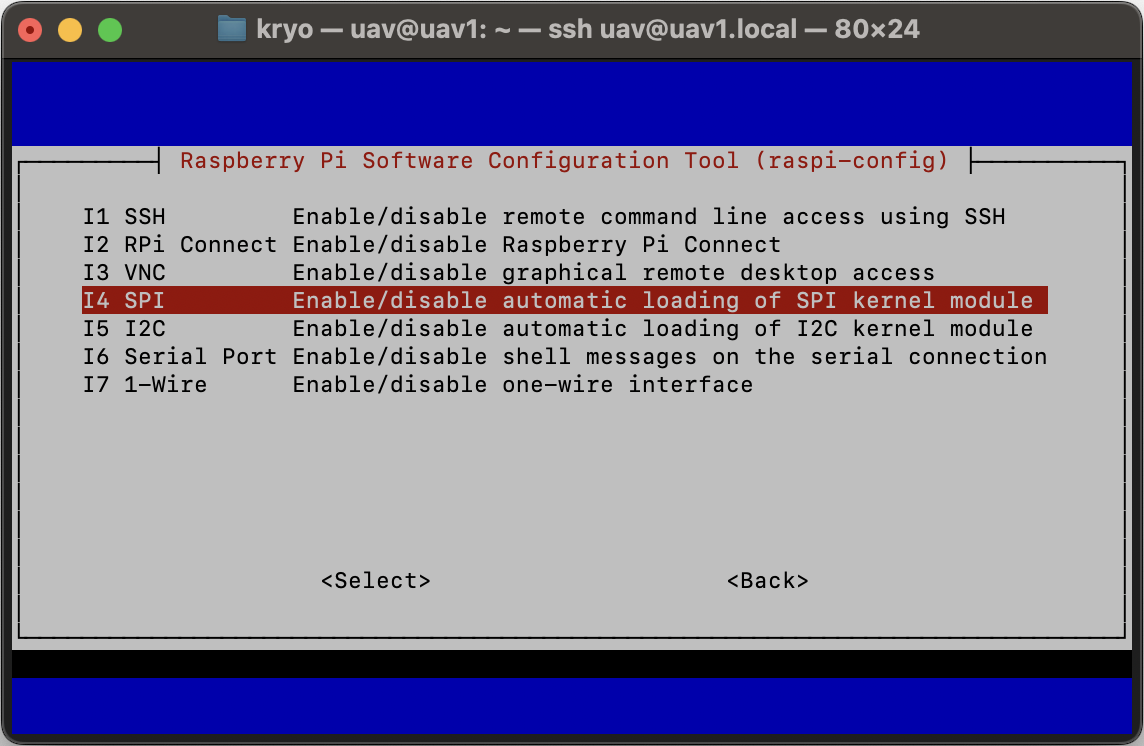
Enable SPI Interface
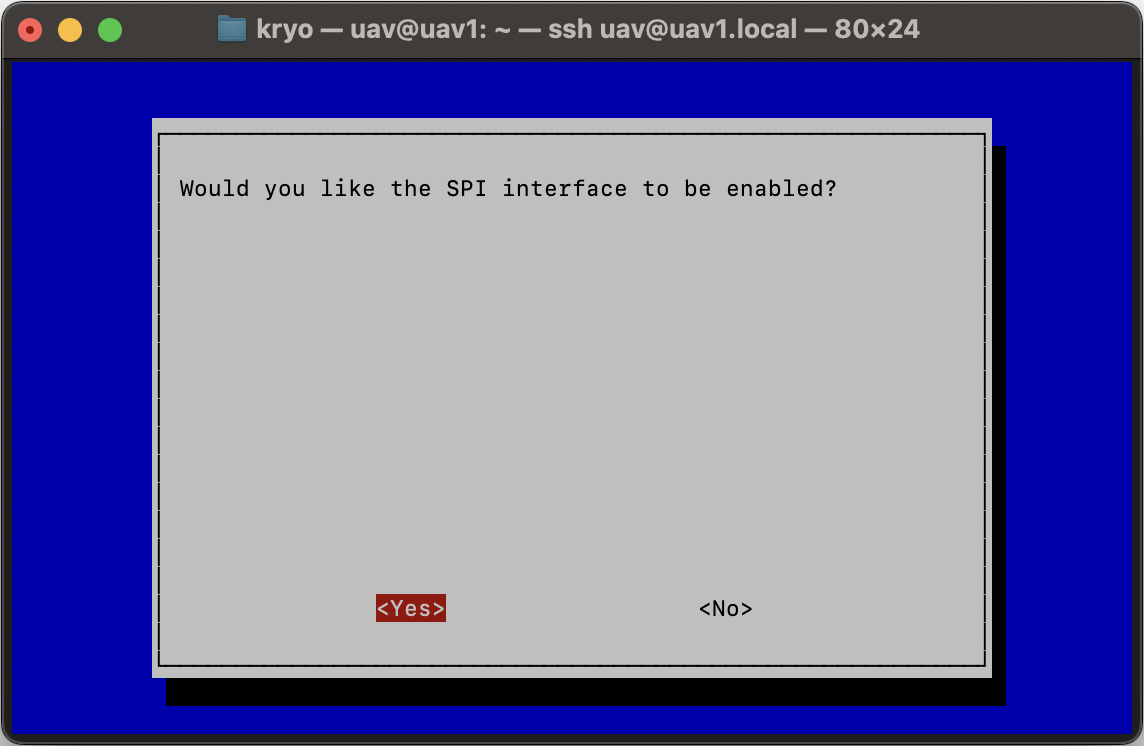
Success Message
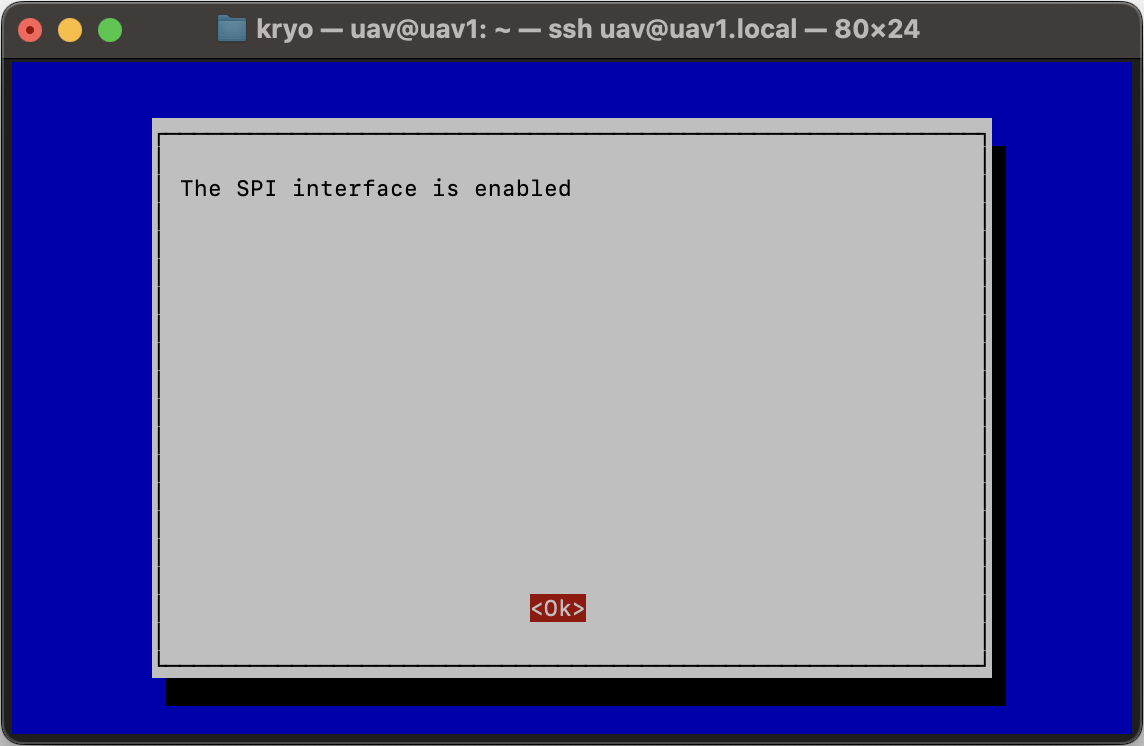
Now exit raspi-config and reboot the Raspberry Pi:
sudo rebootList Interfaces
ls /dev/spi*You should see:
/dev/spidev0.0 /dev/spidev0.1Create Virtual Environment
python3 -m venv --system-site-packages ~/lora-env
source ~/lora-env/bin/activate
Download LoRa Library
git clone https://github.com/mayeranalytics/pySX127x.git
mv pySX127x/SX127x ./SX127x
Remove Board config
rm SX127x/board_config.pyCreate New Board config
nano SX127x/board_config.pyAdd the following code:
import time
import spidev
import RPi.GPIO as GPIO

GPIO.setwarnings(False)
GPIO.setmode(GPIO.BCM)


class BOARD:
    DIO0 = 24
    DIO1 = 23
    DIO2 = 22
    DIO3 = 27
    DIO4 = 17
    DIO5 = 4

    RST = 25
    NSS = 8
    LED = 18

    SPI_BUS = 0
    SPI_CS = 0
    SPI_SPEED = 5_000_000

    @staticmethod
    def setup():
        GPIO.setup(BOARD.NSS, GPIO.OUT)
        GPIO.setup(BOARD.RST, GPIO.OUT)
        GPIO.setup(BOARD.LED, GPIO.OUT)

        GPIO.output(BOARD.NSS, GPIO.HIGH)
        GPIO.output(BOARD.RST, GPIO.HIGH)
        GPIO.output(BOARD.LED, GPIO.LOW)

    @staticmethod
    def SpiDev():
        spi = spidev.SpiDev()
        spi.open(BOARD.SPI_BUS, BOARD.SPI_CS)
        spi.max_speed_hz = BOARD.SPI_SPEED
        spi.mode = 0
        return spi

    @staticmethod
    def add_events(*args, **kwargs):
        return

    @staticmethod
    def remove_events():
        return

    @staticmethod
    def add_event_detect(*args, **kwargs):
        return

    @staticmethod
    def led_on(value=1):
        GPIO.output(BOARD.LED, value)
        return value

    @staticmethod
    def led_off():
        GPIO.output(BOARD.LED, 0)
        return 0

    @staticmethod
    def blink(time_sec, n_blink):
        if n_blink <= 0:
            return

        for _ in range(n_blink):
            BOARD.led_on()
            time.sleep(time_sec)
            BOARD.led_off()
            time.sleep(time_sec)
Save and Exit
Press CTRL + X, then Y, then ENTER.
Reboot
sudo reboot